YouTube Thumbnail Size Guide 2026
Learn the best YouTube thumbnail size, dimensions, resolution, aspect ratio, and professional design tips to improve click-through rate (CTR) and video performance in 2026.
Introduction
A YouTube thumbnail is the first impression of your video. It plays a major role in attracting viewers and increasing click-through rates. Even if your content is high quality, a poor thumbnail can reduce your views significantly.
In 2026, competition on YouTube is higher than ever. That’s why using the correct thumbnail size and design strategy is extremely important for growth, SEO, and audience engagement.
This complete guide will help you understand the exact YouTube thumbnail dimensions, formats, and best practices used by successful creators. If you also want to save thumbnails from any video, read our How to Download YouTube Thumbnails guide.
Recommended YouTube Thumbnail Size
YouTube officially recommends a specific thumbnail size to ensure best quality across all devices including mobile, desktop, and TV screens.
| Specification | Recommended Value |
|---|---|
| Thumbnail Size | 1280 × 720 px |
| Minimum Width | 640 px |
| Aspect Ratio | 16:9 |
| Maximum File Size | 2 MB |
| Supported Formats | JPG, PNG, GIF |
Why Thumbnail Size Matters
Thumbnail size directly impacts how your video appears in search results and recommendations. A properly sized thumbnail improves clarity and attracts more clicks.
- Improves click-through rate (CTR)
- Enhances video visibility on YouTube
- Ensures better mobile and desktop display
- Creates a professional appearance
- Strengthens brand identity
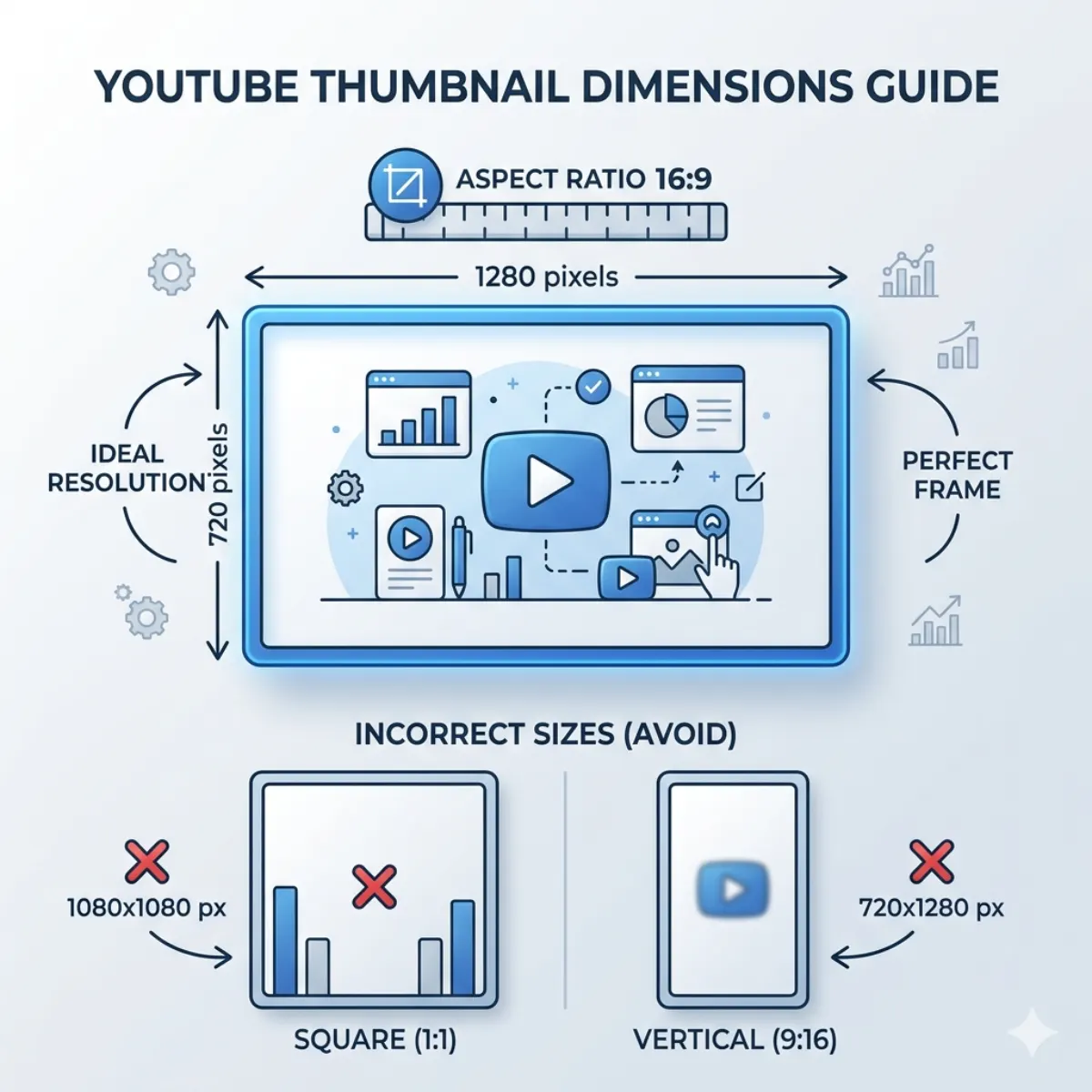
Understanding Aspect Ratio (16:9)
The aspect ratio of YouTube thumbnails is 16:9, which means the width is always 16 units while the height is 9 units. This ensures proper display across all devices without cropping or distortion.
Common examples that follow 16:9 ratio include 1280×720, 1920×1080, and 2560×1440.
Supported Thumbnail Formats
JPG Format
Best for smaller file size and faster loading speed.
PNG Format
Best for high quality images and sharp text visibility.
GIF Format
Supported for custom thumbnails, though it must be a static (non-animated) image.
Download YouTube Thumbnails
Need to download any YouTube video thumbnail instantly? Use our free tool.
Open Thumbnail Downloader ToolCommon Thumbnail Mistakes to Avoid
Many creators lose clicks and views because of simple thumbnail mistakes. Avoid these issues to improve your video performance.
- Using low-resolution images
- Incorrect aspect ratio (non 16:9)
- Too much text on thumbnail
- Poor color contrast
- Blurry or stretched images

Pro Tips for High CTR Thumbnails
- Use bright and high-contrast colors
- Focus on one clear subject
- Use large and readable fonts
- Include human faces for emotional impact
- Keep branding consistent across videos
Frequently Asked Questions
What is the best YouTube thumbnail size?
The recommended size is 1280×720 pixels.
What aspect ratio should I use?
You should always use 16:9 aspect ratio.
What is the maximum file size?
The maximum file size allowed is 2MB.
Can I use PNG thumbnails?
Yes, YouTube supports PNG, JPG, and GIF formats.
Does thumbnail size affect views?
Yes, better thumbnails improve CTR and increase video views.
Related Guides
Conclusion
Using the correct YouTube thumbnail size is essential for increasing video performance in 2026. The ideal size of 1280×720 with a 16:9 aspect ratio ensures your thumbnails look professional across all devices.
If you want more clicks, focus on clear design, strong visuals, and proper optimization techniques.