Save YouTube Thumbnail to Gallery on Mobile (Easy Method 2026)
YouTube thumbnails are the preview images of videos that help attract viewers. Many users want to save these thumbnails directly to their mobile gallery for design inspiration, content research, or personal use. However, most people do not know the correct method to download and save YouTube thumbnails in HD quality on mobile devices.
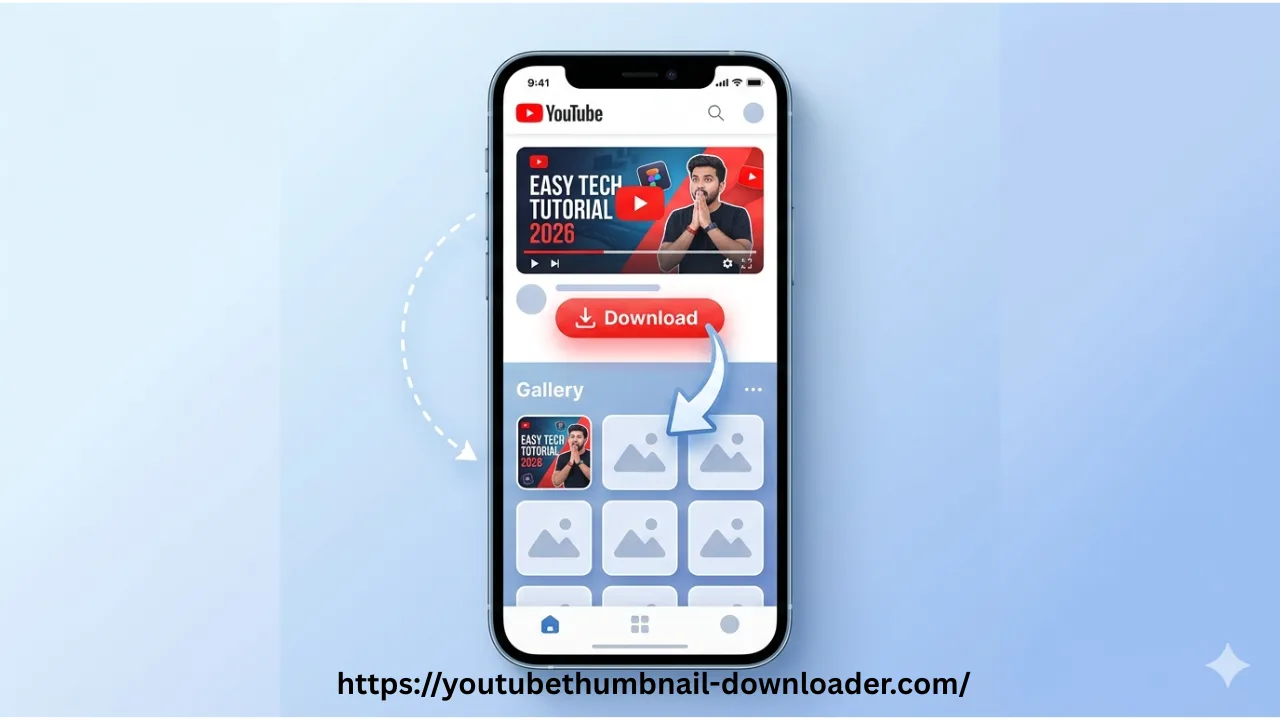
In this guide, you will learn the easiest method to save YouTube thumbnail images directly to your mobile gallery (Android & iPhone) in HD quality without using any complicated apps in 2026.
Why Save YouTube Thumbnails on Mobile?
Many users save YouTube thumbnails for different reasons such as design inspiration, content analysis, blogging, or educational purposes. Mobile saving is popular because it is fast and convenient.
- Easy access on mobile gallery
- Useful for designers and creators
- Helps in content research
- No need for PC or laptop
How to Save YouTube Thumbnail on Android
- Open YouTube app or browser
- Copy the video link
- Open YouTube Thumbnail Downloader tool
- Paste the link and generate thumbnail
- Press and hold the image
- Tap “Download Image” or “Save to Gallery”
How to Save YouTube Thumbnail on iPhone
If you prefer downloading without installing software, check our Download YouTube Thumbnail Without App on Mobile guide.
- Open Safari or Chrome browser
- Copy YouTube video URL
- Use thumbnail downloader tool
- Generate HD thumbnail image
- Tap and hold image
- Select “Add to Photos”
Best Thumbnail Quality Options
YouTube thumbnails are available in multiple resolutions:
- Max Quality: 1280×720 HD
- High Quality: 480×360
- Medium Quality: 320×180
- Default Quality: 120×90
Not sure which resolution to choose? Read our YouTube Thumbnail Size Guide to learn about dimensions and image quality.
Tips for Better Image Saving
- Always choose HD version
- Use stable internet connection
- Save image in PNG or JPG format
- Avoid low-quality screenshots
Is It Safe to Save YouTube Thumbnails?
Yes, saving YouTube thumbnails is safe for personal and educational use. However, thumbnails are copyrighted by creators, so they should not be reused for commercial purposes without permission.
Common Problems & Fixes
Thumbnail not downloading?
Try refreshing the tool or using a different browser.
Blurry image saved?
Always select HD (max resolution) option before downloading.
Image not showing in gallery?
Check your downloads folder or file manager app.
Frequently Asked Questions
Can I save YouTube thumbnails to gallery?
Yes, you can easily save thumbnails to your mobile gallery using a downloader tool.
Is it free?
Yes, it is completely free.
Does it work on iPhone and Android?
Yes, it works on all mobile devices.
Do I need an app?
No, you can do it without installing any app.
Can I save HD thumbnails on mobile?
Yes. You can download and save HD YouTube thumbnails directly to your Android phone or iPhone gallery.
Related Guides
Conclusion
Saving YouTube thumbnails to your mobile gallery is very easy when you use the right method. With a simple thumbnail downloader tool, you can quickly download HD images from any YouTube video and save them directly to your phone for future use.